Libraries, Hospitals and Service Halls: Lookup and ID Check in One Unit
A query terminal in a public service setting usually does three jobs at once: look up information, read an ID card and print a slip. The 21.5-inch XTCM215 offers optional ID card, NFC, card reader and printer modules, so one unit covers all three.
Where these stores usually get stuck
Queues build up at the inquiry step
Many questions are just where to go and what to bring, yet they tie up counter staff.
Documents copied and keyed in repeatedly
ID cards, patient cards and library cards get copied by hand, which is slow and error-prone.
Wayfinding spread across many boards
Floor, department and process notices are posted in different places, and visitors cannot find them.
Match models to positions
Each row maps to a real mounting position, not a blanket claim that all 9 models work anywhere.
| Mounting position | Recommended model | Why |
|---|---|---|
| Hall entrance and floors | XTCM215 (21.5-inch) | Portrait mode for floor maps, service guides and department wayfinding; optional ID, NFC and card reader modules move identity checks to the self-service side. |
| Lookup point beside the counter | XT802E (10.1-inch) | Check application status, queue number and document checklist; the slim housing mounts flat to the wall without using counter space. |
| Desks that issue slips | XTCM320 (32-inch, with printer) | Prints the slip or queue number right after the lookup, so visitors do not queue twice. |
Five steps from site visit to go-live
- Start from the 20 questions visitors ask most and organize the pages by question, not by department.
- For ID and patient cards, map each read field to a field in the business system, so nothing is read at the front end that the back end cannot use.
- Keep printed content to what is needed, never print a full ID number on the slip, and mask the middle digits.
- Place units within sight of staff, which makes it easier to help users and reduces accidental damage.
Public Services FAQ
Can it read ID cards?
The XTCM215 and XTCM320 take an optional ID card reader module that reads name, sex, ethnicity, date of birth, address, citizen ID number and photo. The XT802 series focuses on barcode scanning and touchscreen lookup, so ID reading is confirmed per project.
Does the card data stay on the unit?
By default the read result goes only to the business system and is not stored on the device. Retention is up to the application layer; we suggest stating the fields collected, the purpose and the retention period in your privacy policy and showing a notice on screen.
Visitors can exit the app by accident. What can we do?
Set the app to start on boot and stay in the foreground, and hide the system navigation bar and settings entry. The Android model can use a dedicated launcher; the Windows model can use Unified Write Filter with a restricted account.
Recommended models for this scenario
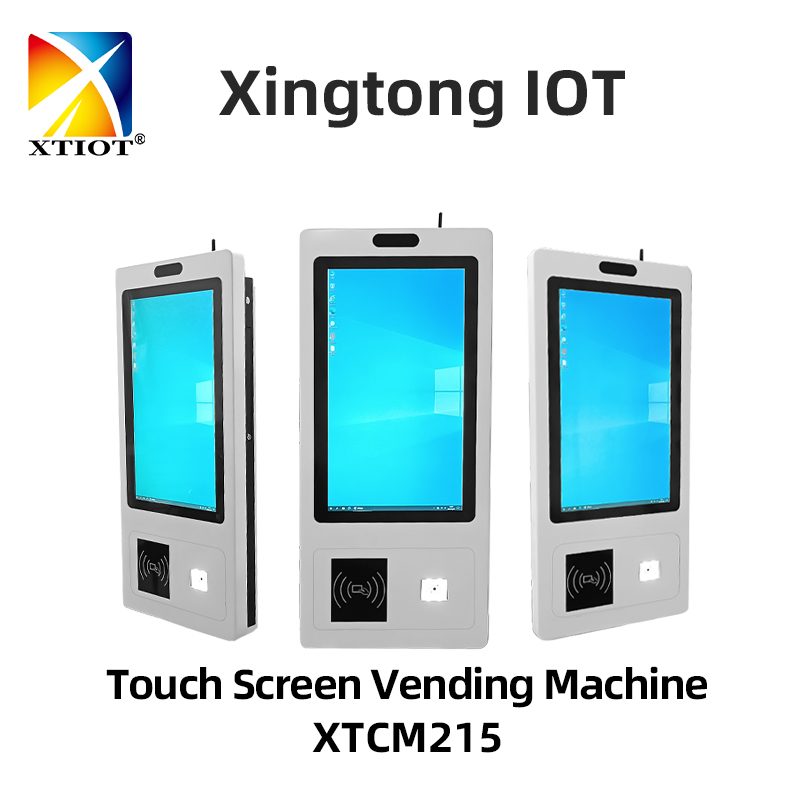
XTCM215
The XTCM215 is a 21.5-inch Windows touchscreen query terminal with a 1080×1920 portrait screen, ten-point capacitive touch, ...
See specs and selection →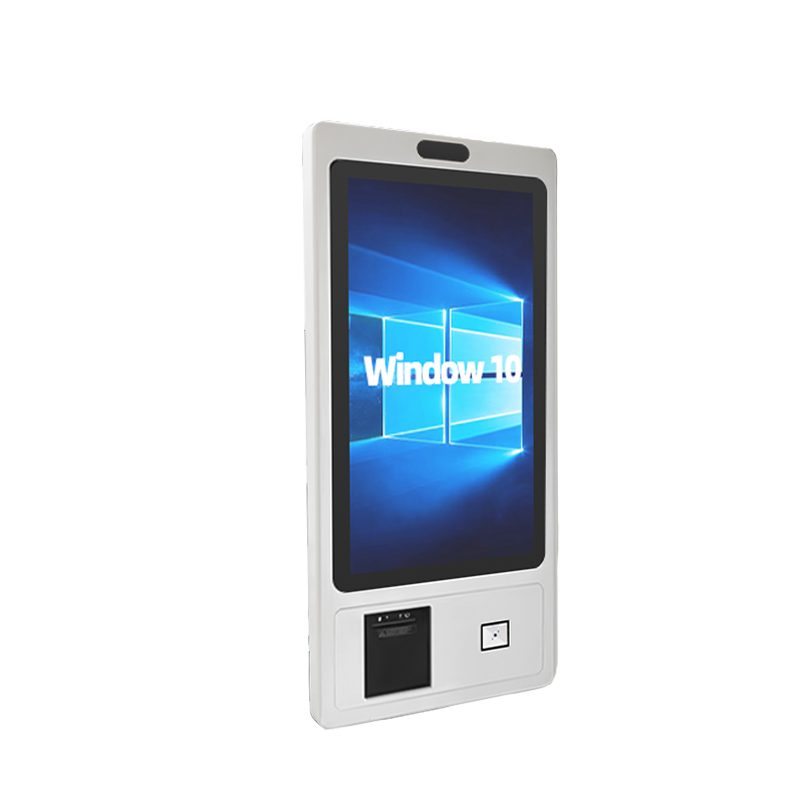
XTCM320
XTCM320 is a 32-inch Windows touchscreen query terminal: 1080×1920 portrait screen, Intel i5-3320M, ...
See specs and selection →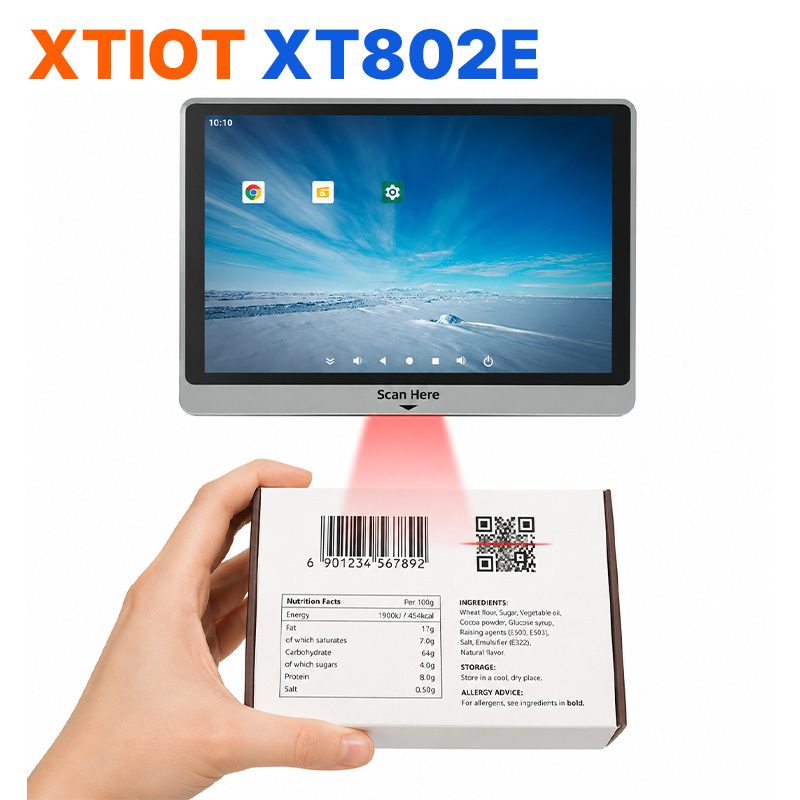
XT802E
The XT802E is a 10.1-inch Android 11 price checker with an 800×1280 capacitive touchscreen, RK3566 quad-core at 1.8GHz, ...
See specs and selection →Get a configuration list for your store
Send us your store type, floor area and the number of mounting positions, and we will return a list with model quantities and mounting methods.