
Pharmacy and beauty stores: a price checker also handles prescription codes and member identification
Pharmacy price checks are not only about price: customers often come with a prescription, an insurance code or a membership code. The 10.1-inch XT802E with an OCR module reads documents and prescription codes, and adding NFC or an ID card module completes member identification in the same step.
Where these stores usually get stuck
Prescription and over-the-counter medicines follow different pricing
The same ingredient in different pack sizes carries a wide price gap, so staff explain it repeatedly and customers are still not sure.
Member price, insurance price and promotional price stack up
The final price only appears at the checkout, so customers cannot judge at the shelf.
ID card and prescription have to be checked
Some medicines require identity registration at purchase, and typing it in by hand at the counter is slow.
Match models to positions
Each row maps to a real mounting position, not a blanket claim that all 9 models work anywhere.
| Mounting position | Recommended model | Why |
|---|---|---|
| Next to the prescription counter | XT802E (10.1-inch) | The screen can show pack size, unit price, member price and insurance payment notes at once; the RJ11 serial port connects to the store card reader. |
| Beauty shelf area | XT802D (8-inch) | Scan the item barcode to see price and ingredients; the housing is thin, so it mounts on a shelf post without hiding products. |
| Counters that need document reading | XT802E with OCR module, or XTCM215 | The OCR module reads passport MRZ and documents; the XTCM215 also accepts an ID card module and a card reader module, so customers complete registration themselves. |
Five steps from site visit to go-live
- Confirm the medicine coding scheme first: whether the store uses the national code, an in-store code or a manufacturer code, and tune the scan engine to that symbology.
- Show member price and insurance price as a three-line comparison in the software, so customers do not mistake a promotional price for the final price.
- Where document reading is required, record the OCR module and ID card module results as one record to save a second entry at the counter.
- Wipe the housing daily with alcohol wipes, use a microfiber cloth on the screen, and avoid cleaners that contain abrasives.
Pharmacy and beauty FAQ
Can it read the barcode on a prescription?
Yes, it reads one-dimensional and two-dimensional codes, including prescription codes and medicine pickup codes. If the prescription is printed text that has to be recognized as characters, add the OCR module, which works by character recognition.
Can it read insurance codes and electronic health cards?
Yes, it reads a QR code on a phone screen. Reading a physical social security card or ID card needs a separate card module; the XTCM215 and XTCM320 support optional ID card and card reader modules.
What does a pharmacy environment require of the device?
For a normal, dry indoor store, the standard model is enough. If the unit sits in a decoction area or by a window, keep it away from steam and direct sunlight, since long exposure ages the screen faster.
Recommended models for this scenario
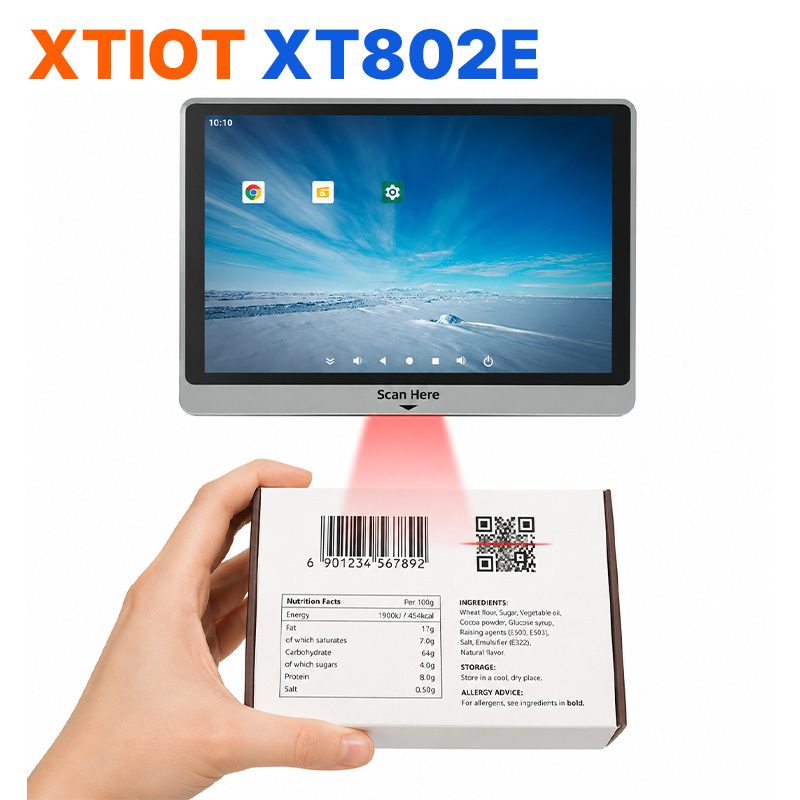
XT802E
The XT802E is a 10.1-inch Android 11 price checker with an 800×1280 capacitive touchscreen, RK3566 quad-core at 1.8GHz, ...
See specs and selection →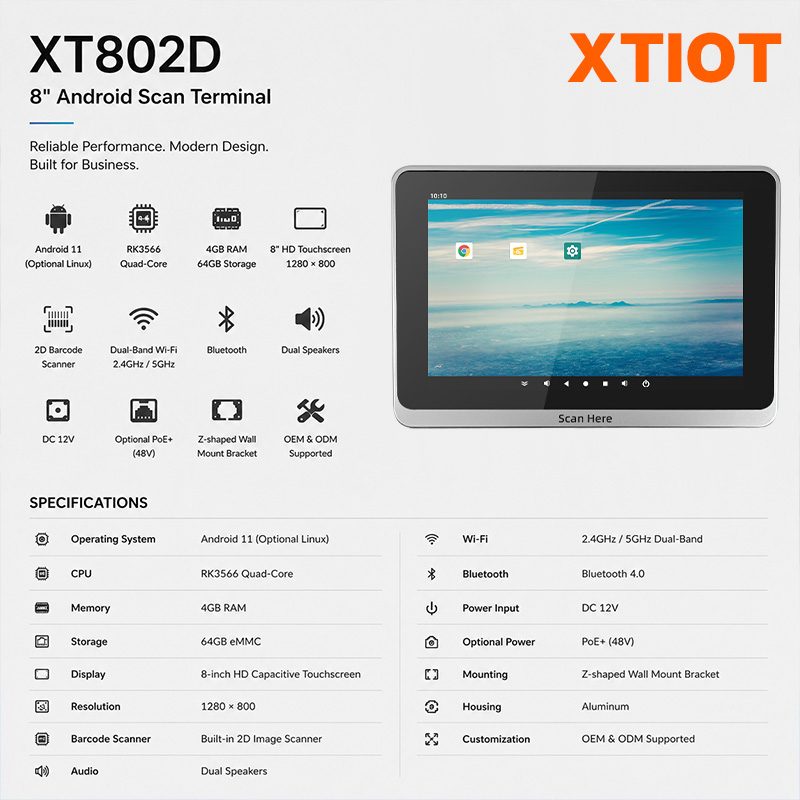
XT802D
The XT802D is an 8-inch Android 11 price checker with an 800×1280 capacitive touchscreen, RK3566 quad-core at 1.8GHz, ...
See specs and selection →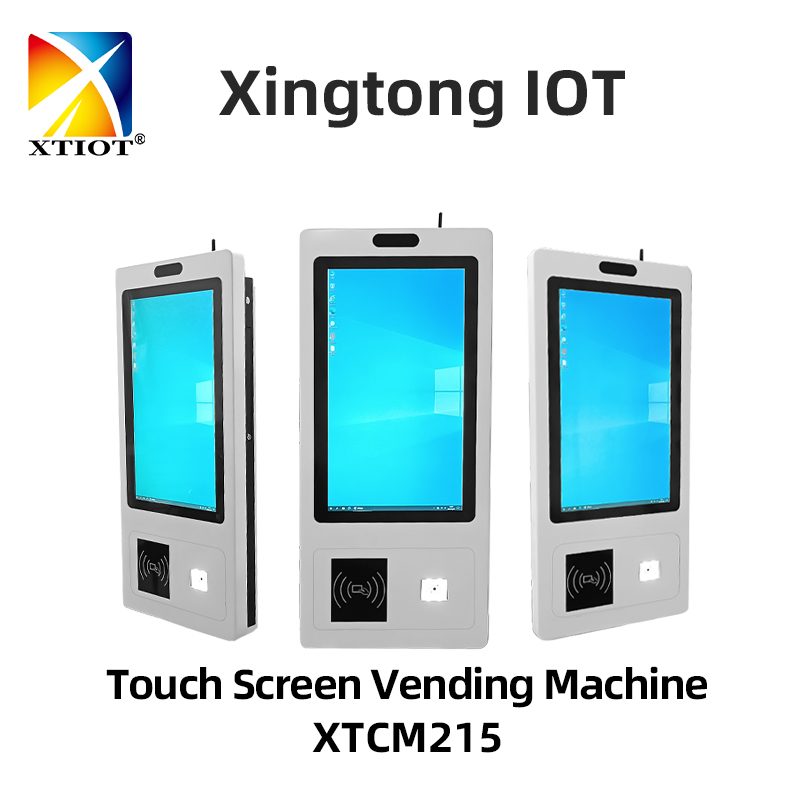
XTCM215
The XTCM215 is a 21.5-inch Windows touchscreen query terminal with a 1080×1920 portrait screen, ten-point capacitive touch, ...
See specs and selection →Get a configuration list for your store
Send us your store type, floor area and the number of mounting positions, and we will return a list with model quantities and mounting methods.